While the admin is a well known and very useful app for your projects, Django also includes another admin package that isn’t as popular (at least I never seen it being heavily used) but that can also be quite handy.
I’m talking about the admindocs app. What it does is to provide documentation for the main components of your project in the Django administration itself.
It takes the existing documentation provided in the code to developers and exposes it to users that have the is_staff flag enabled.
This is what they see:
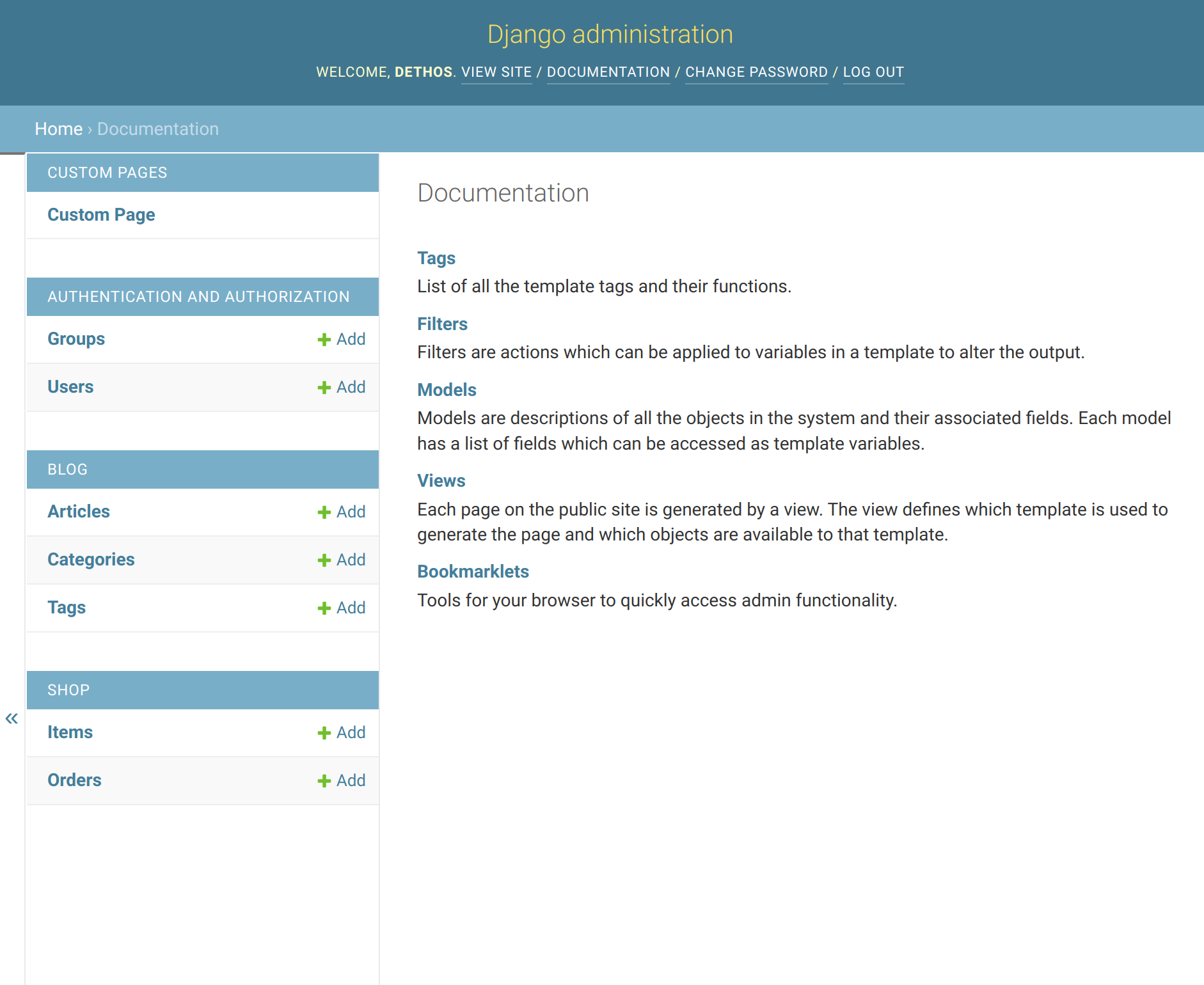
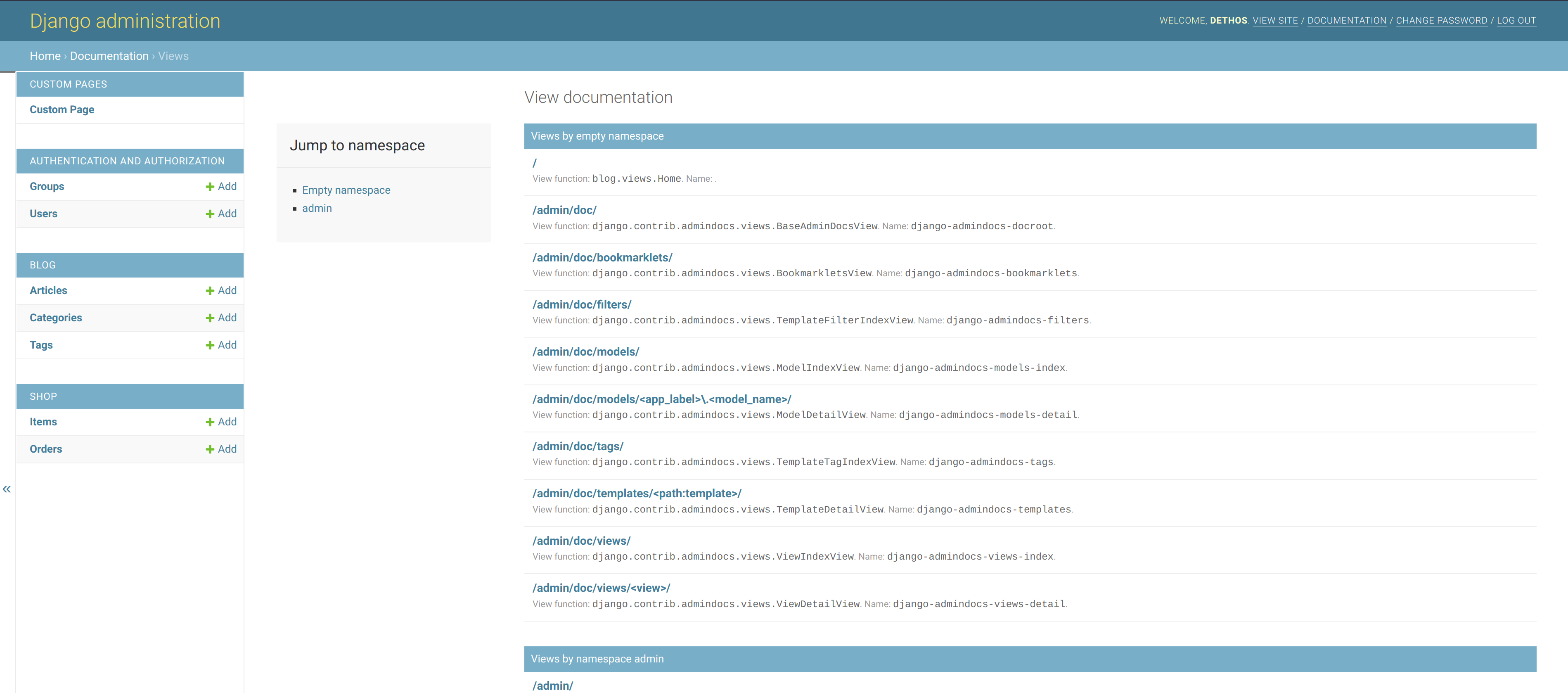

I can see this being very helpful for small websites that are operated by teams of “non-developers” or even for people providing support to customers. At least when a dedicated and more mature solution for documentation is not available.
To install you just have to:
- Install the docutils package.
- Add
django.contrib.admindocsto the installed apps. - Add
path('admin/doc/', include('django.contrib.admindocs.urls'))to the URLs. - Document your code with “docstrings” and “help_text” attributes.
More details documentation can be found here. And for today, this is it.